 Meet Neo, the assistant that runs on your Mac
Write, Grid and Stage in one Mac app. Your words, numbers and stories, all together.
One flat price. Yours for life. For Apple Silicon Macs on macOS 26 or newer.
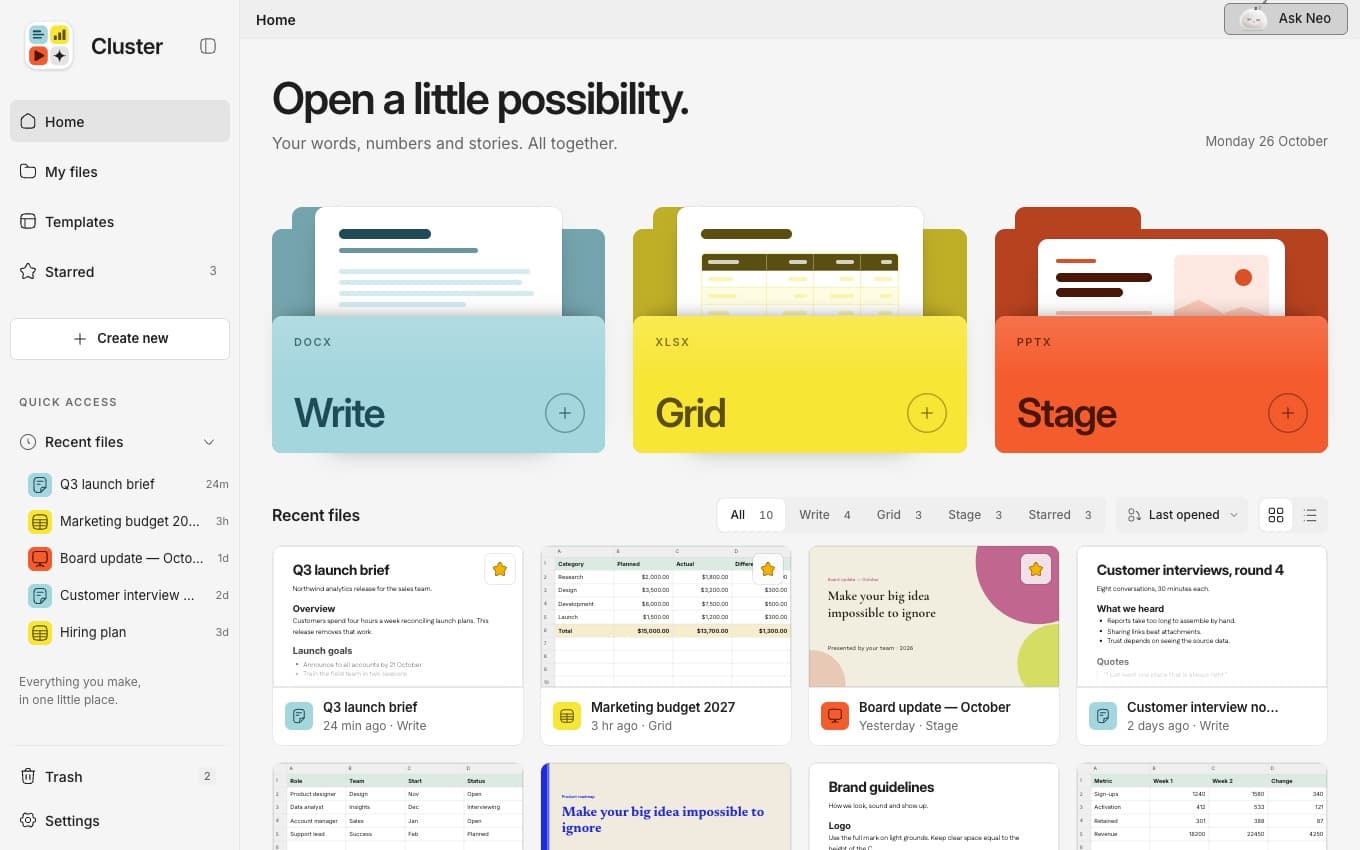
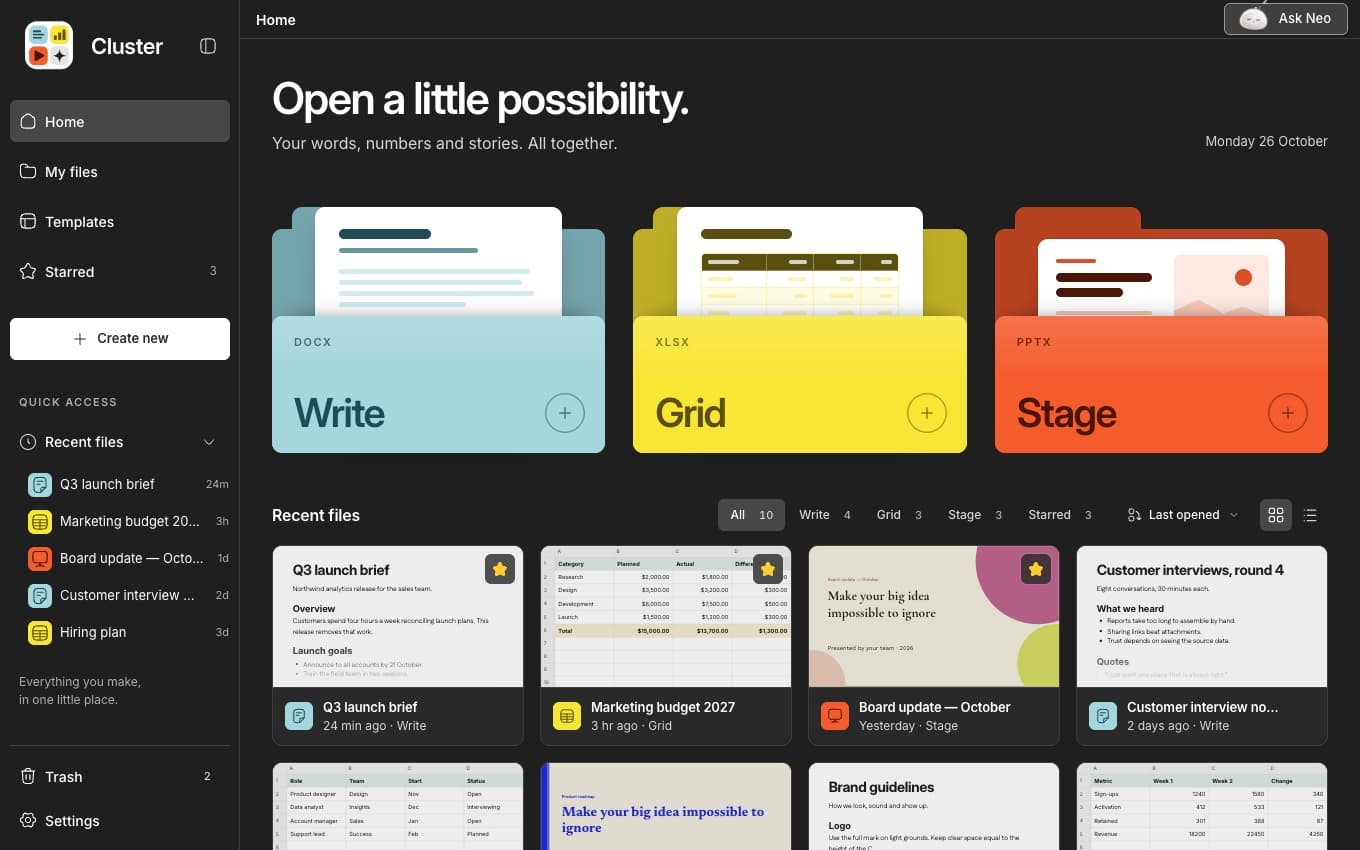
Everything in one place
Write, Grid and Stage open as tabs in the same window, so a brief, a budget and a deck never live in separate places.
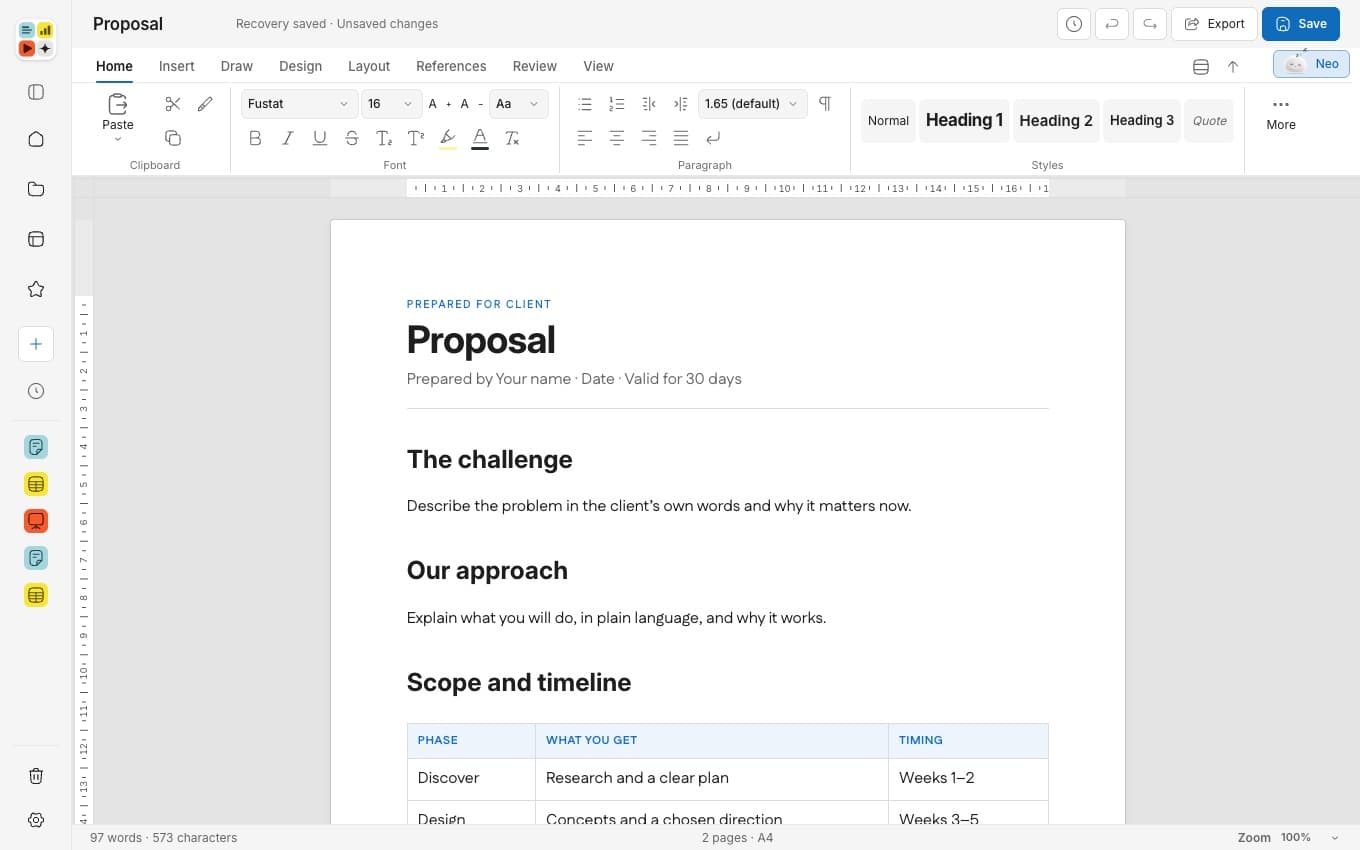
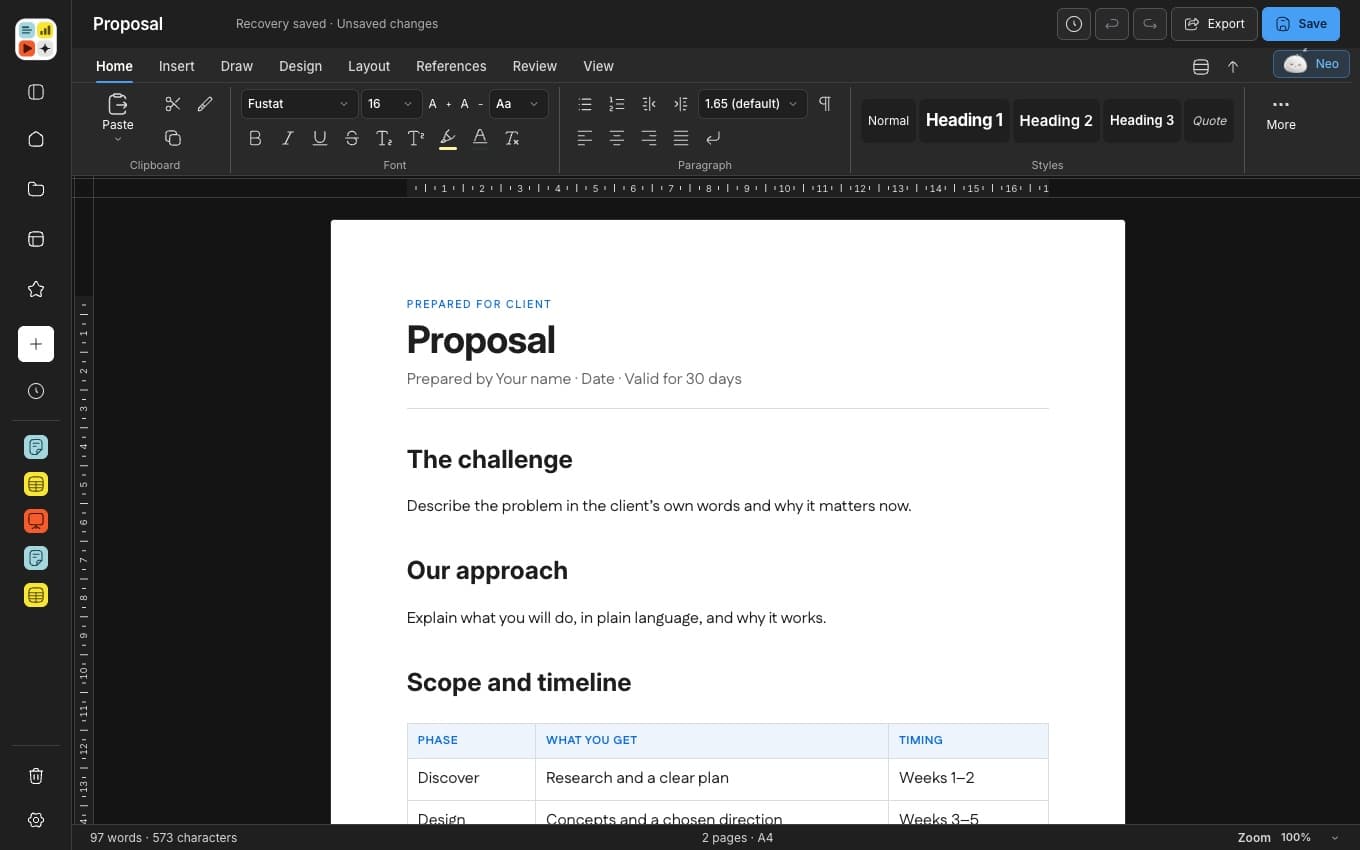
Write
Clean pages for everything you write.
Real pages, set in A4 or Letter, with headers and footers that repeat. Start from a template or a blank page.
- Opens and saves DOCX
- A4 or Letter pages
- Headers, footers and tables
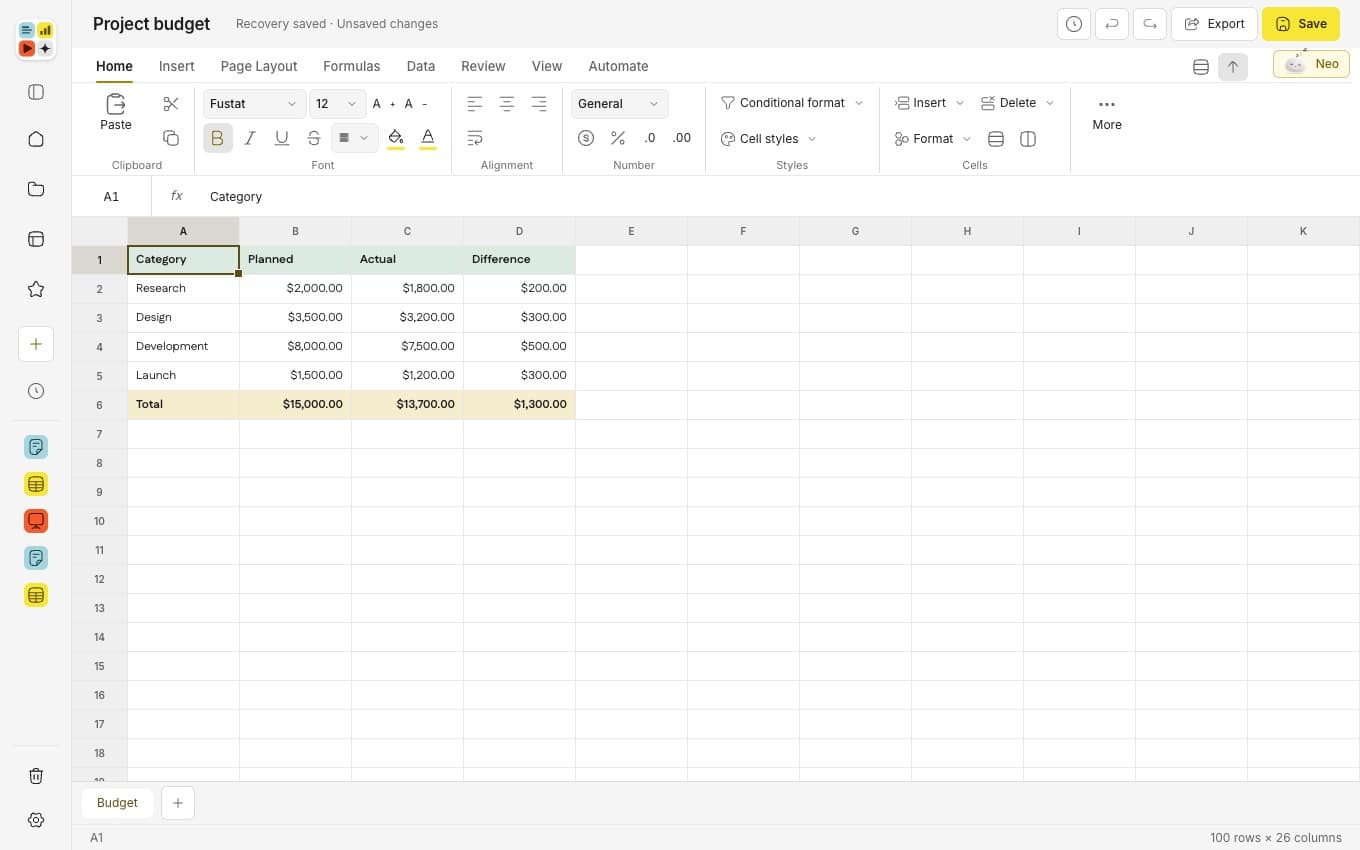
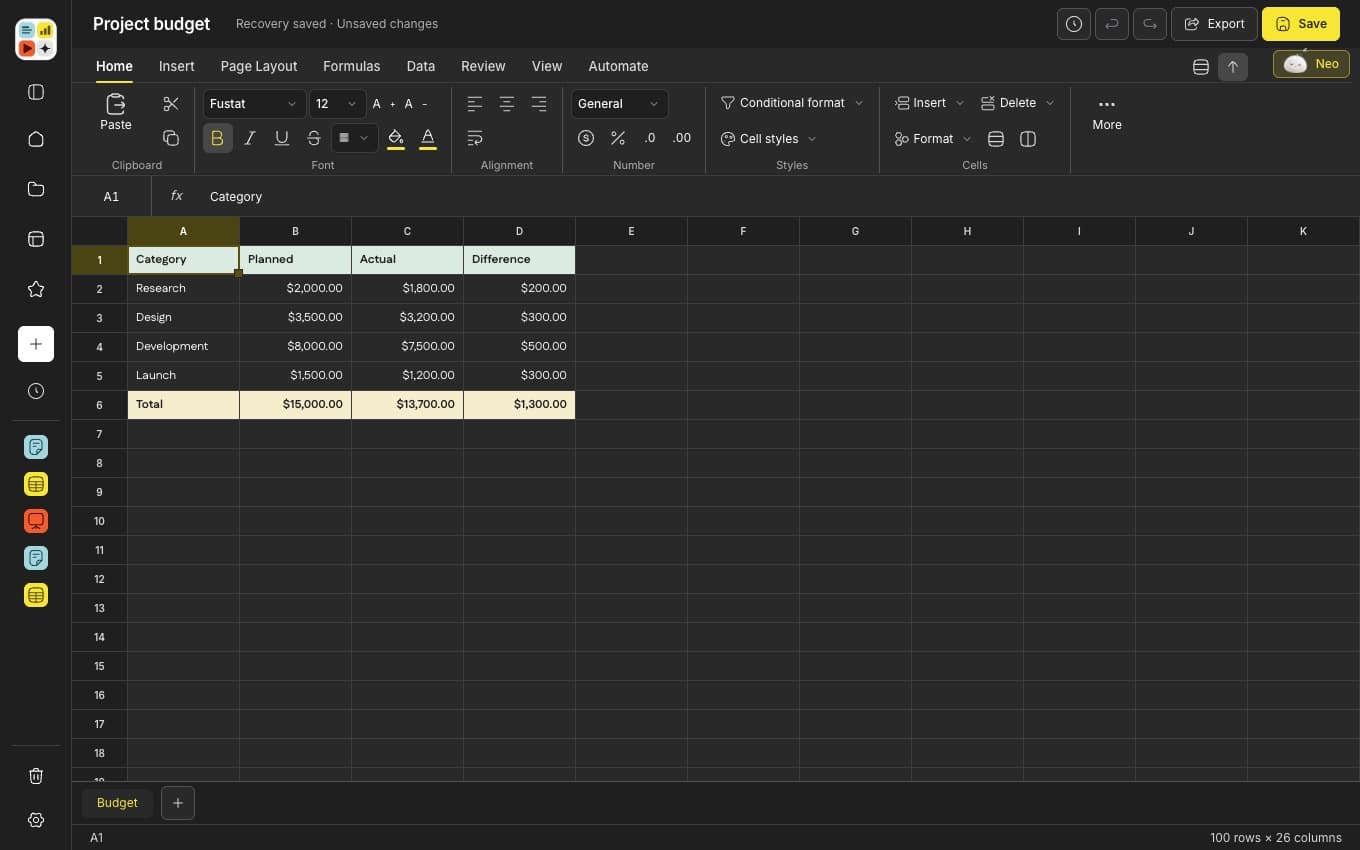
Grid
Numbers that add up.
A formula engine, tidy tables and eleven chart types that stay editable when you export them.
- Opens and saves XLSX
- 11 chart types
- Editable charts on export
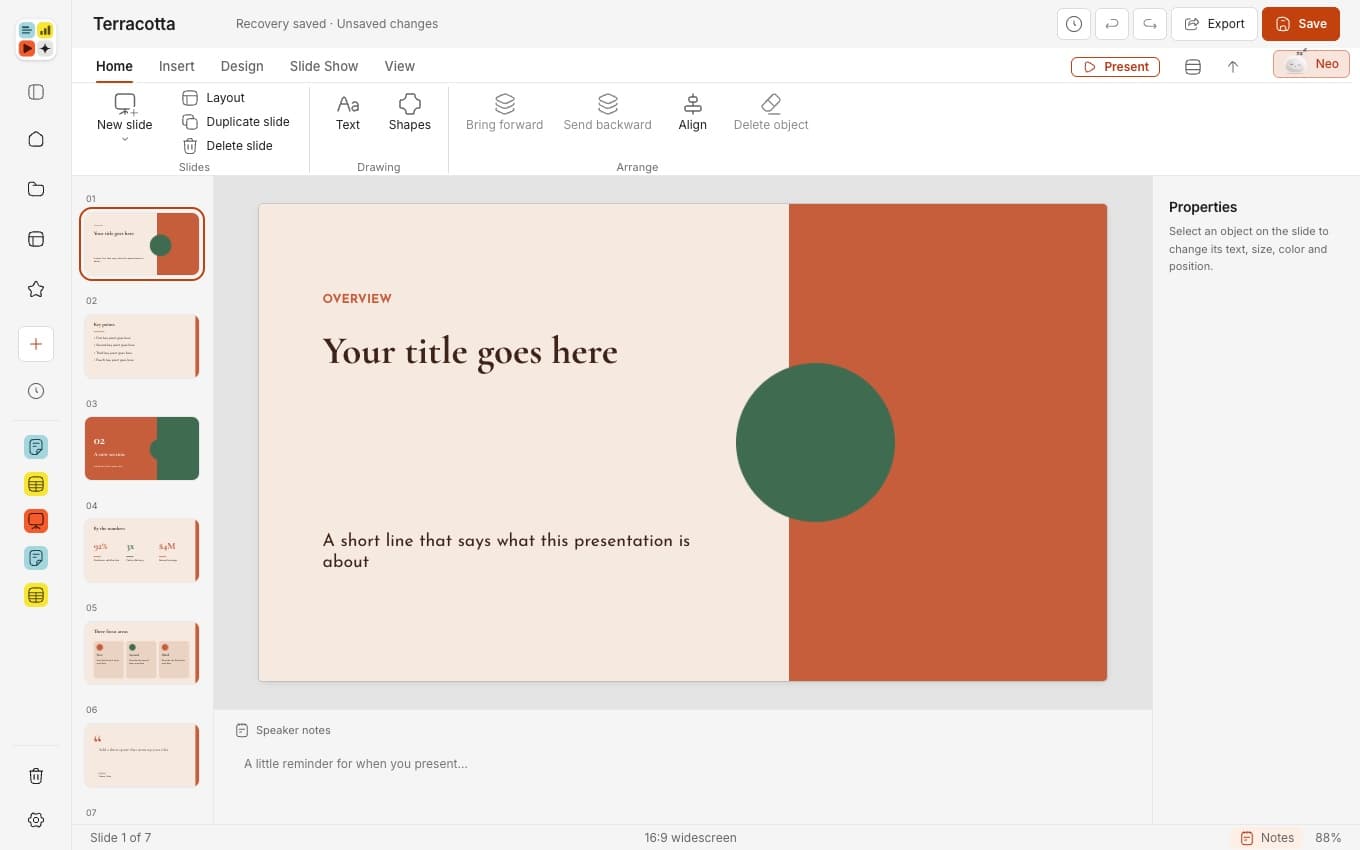
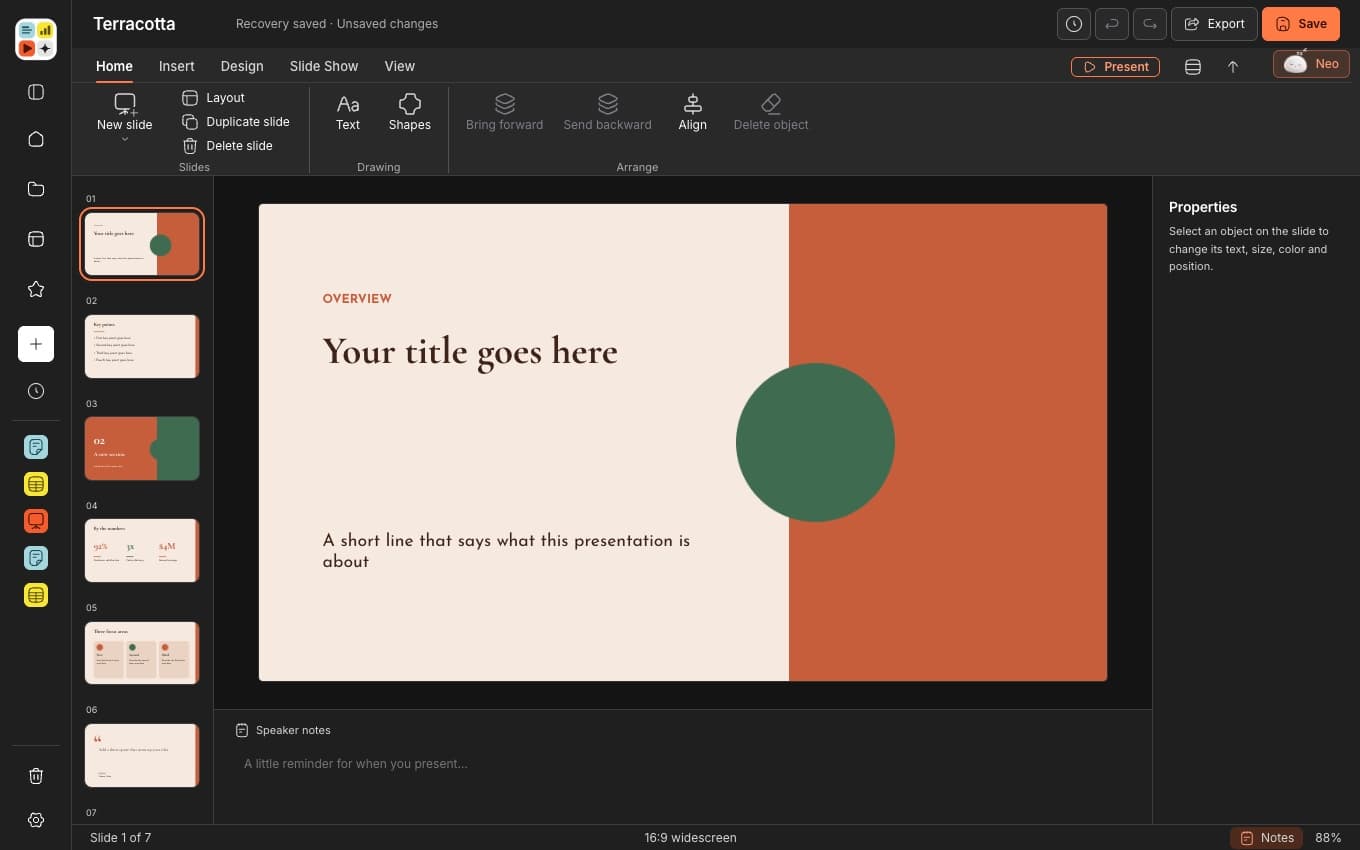
Stage
Slides with a point of view.
Designed templates, forty-two shapes and speaker notes, in 16:9 or the shape of the deck you bring.
- Opens and saves PPTX
- Starter templates
- 42 preset shapes
Meet Neo
Neo lives inside Write, Grid and Stage. Ask in your own words and it writes, fills, charts and builds right in your file.
- Runs a model on your Mac, so what you ask stays with you
- Changes only what you ask, and leaves the rest of the file alone
- Reads the files you point it to with @
The local model needs 16 GB of memory. It downloads once, then works offline.

 Neo
NeoMade with care
Real files, not a walled garden
Open and save the files you already use. Bring in plain text, tables and web pages too.
Tabs that never get lost
Open as many files as you like. If your Mac restarts, every tab comes back.
Light and dark, your call
Move your pointer across the picture. Cluster looks right in both.
Charts that stay editable
Eleven chart types in Grid and Stage. They export as native charts you can still edit.
Go back in time
Every save keeps the one before it, up to twenty earlier copies per file.
A good start, every time
Start from a designed template in Write or Stage, or from a blank page. Then make it yours.



A closer look
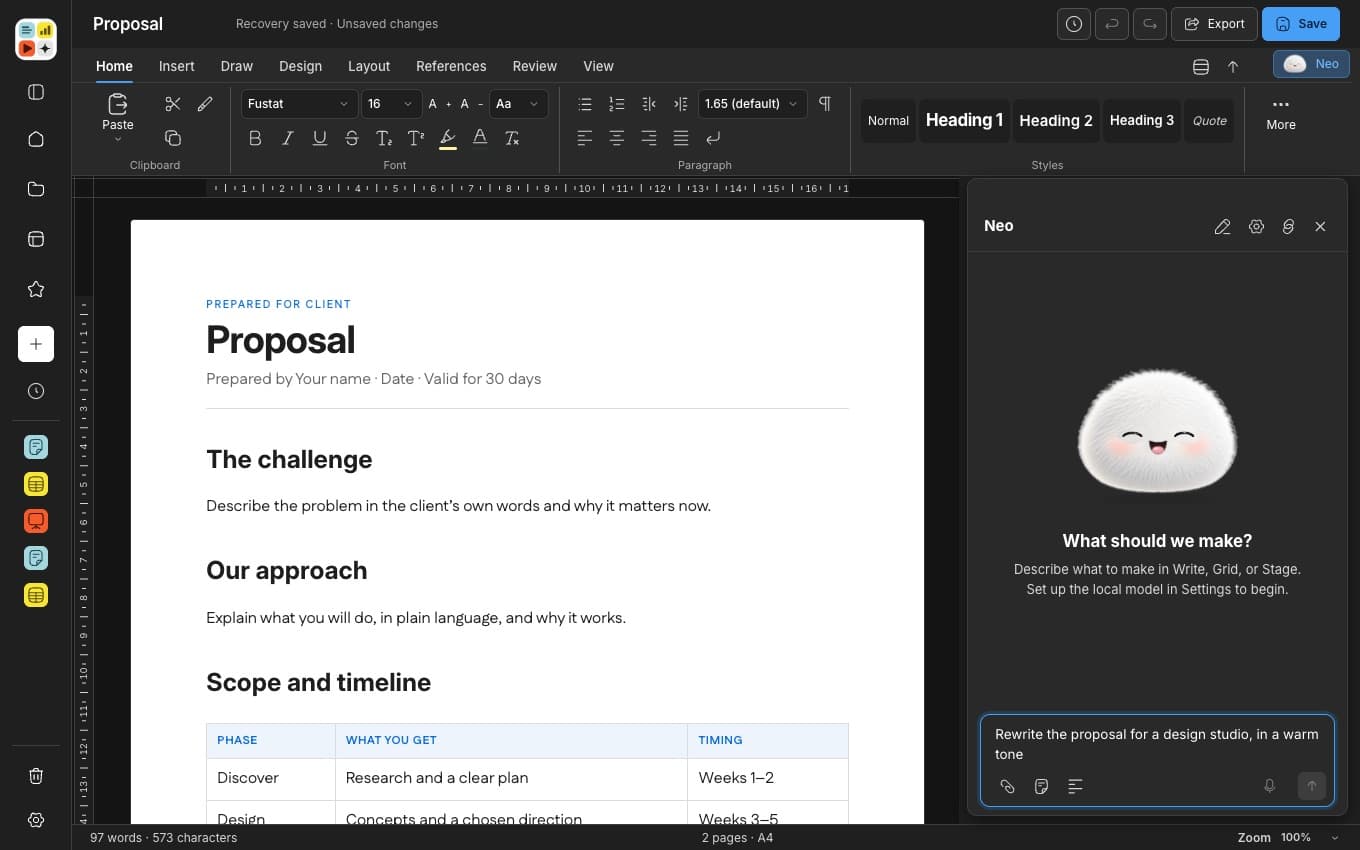
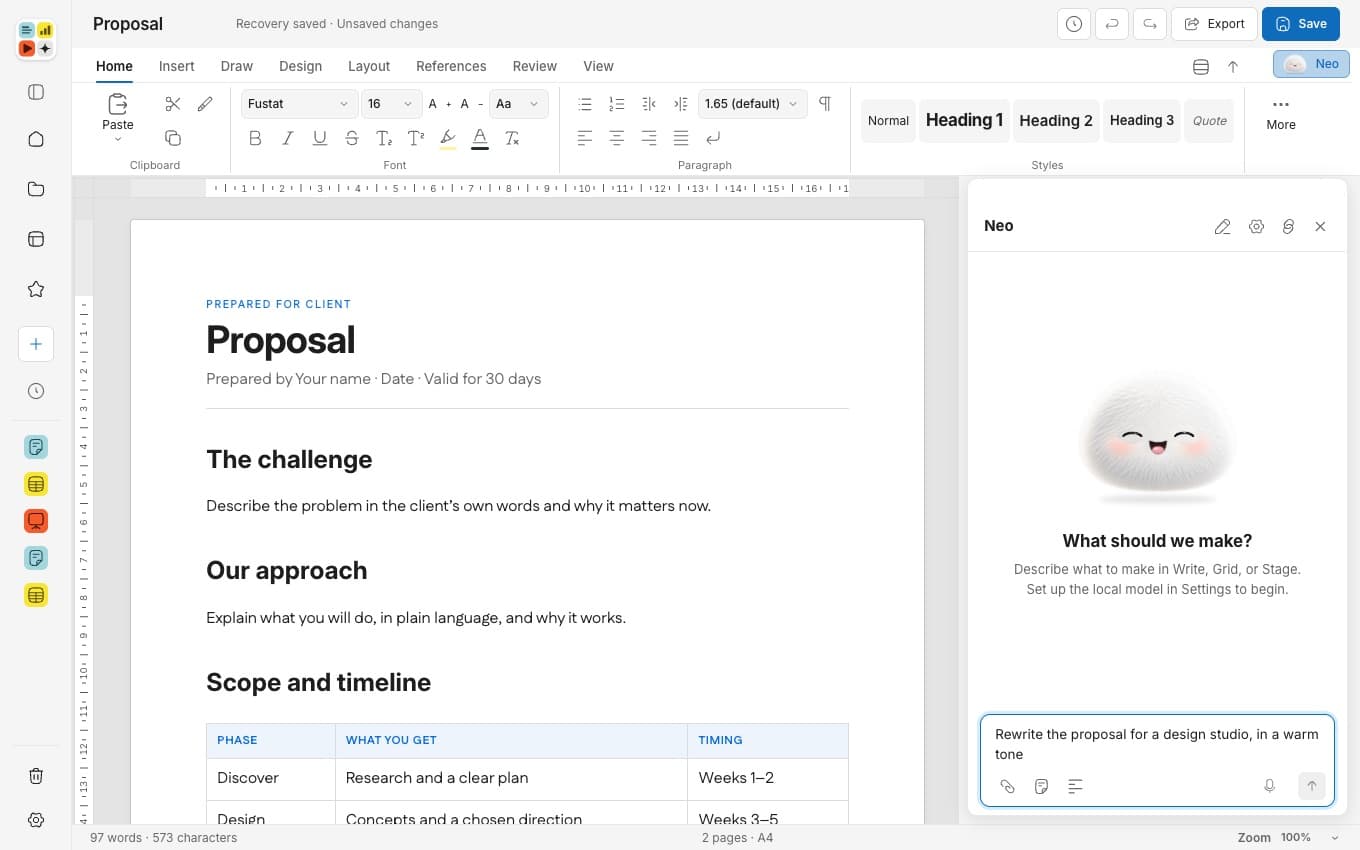
Ask Neo from any file
A side panel that sits beside your work and never covers it.
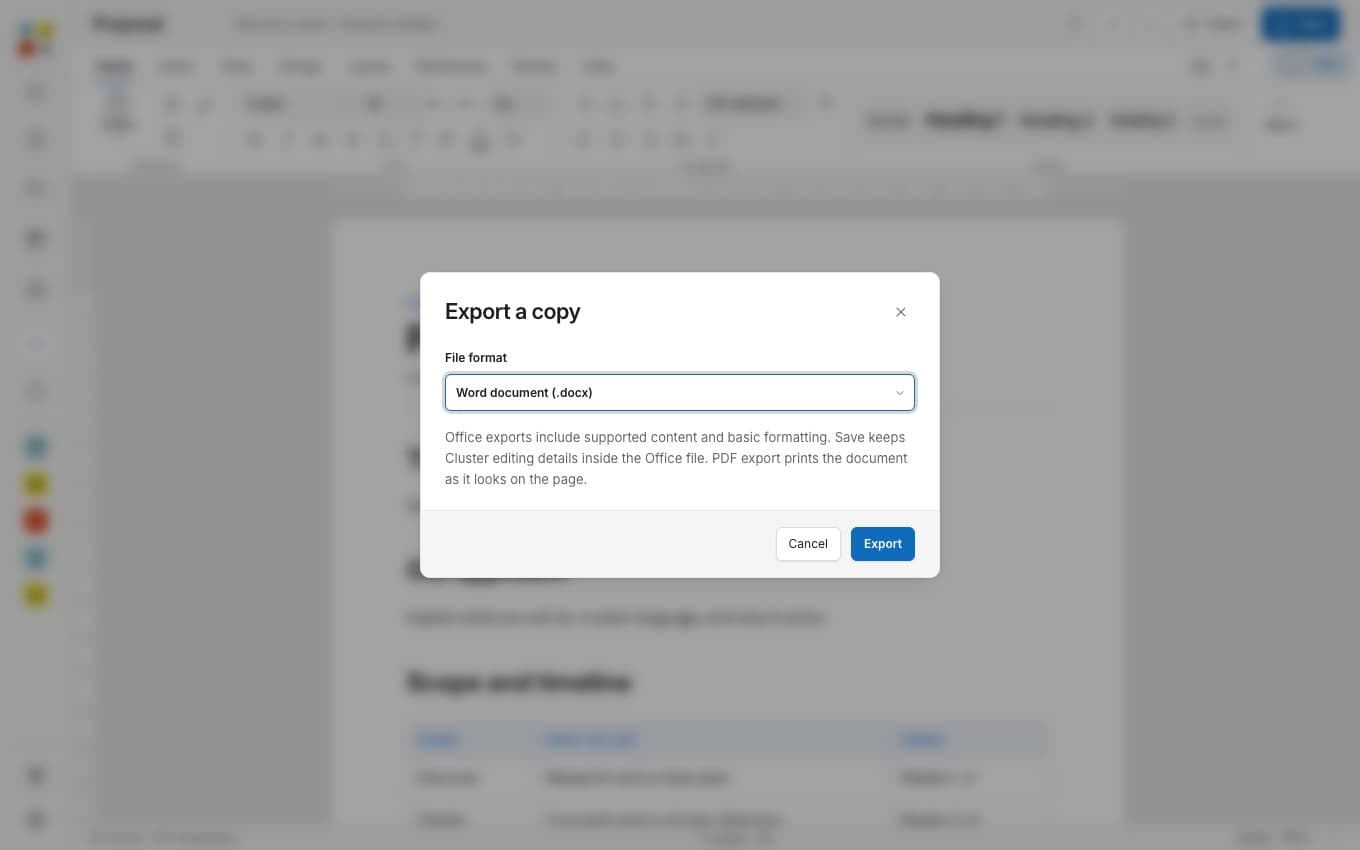
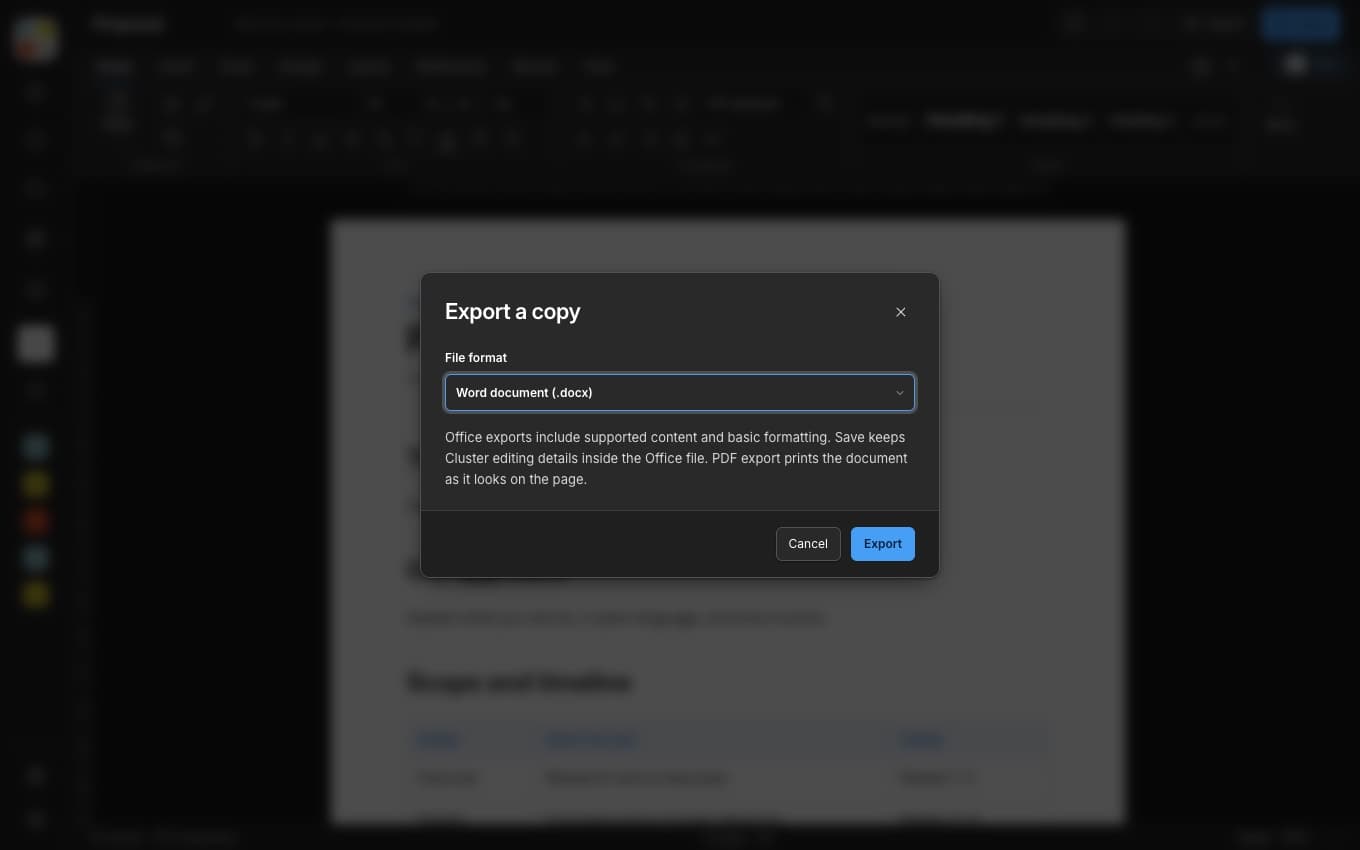
Export a copy in a click
Hand off a DOCX or a PDF without leaving the file you are in.
Numbers you can follow
Tidy tables, formulas and charts, all in one calm sheet.
How it works
- 1
Pay once
Choose Download now, enter your email and pay on a secure page. There is no subscription.
- 2
Get your key
We email your license key and a download link to the address you gave, and the page after payment has a download button too.
CL-XXXX-XXXX-XXXX-XXXX - 3
Open and unlock
Drag Cluster to Applications, open it and enter your key. It unlocks and you can start.
Pricing

Cluster for Mac
$9.99once
Local taxes are added at checkout where they apply.
- Write, Grid and Stage in one app
- Neo, the assistant that runs on your Mac
- Opens and saves DOCX, XLSX and PPTX
- Use it on up to 3 Macs
- Yours for life, with no subscription
Already bought it? Restore my purchase
Questions
No. Cluster is a one-time purchase. You pay once and the license is yours for life.
Your words, numbers and stories. All together.